Xss game level 6 write up
Xss game level 6 write up - 마지막
#번역
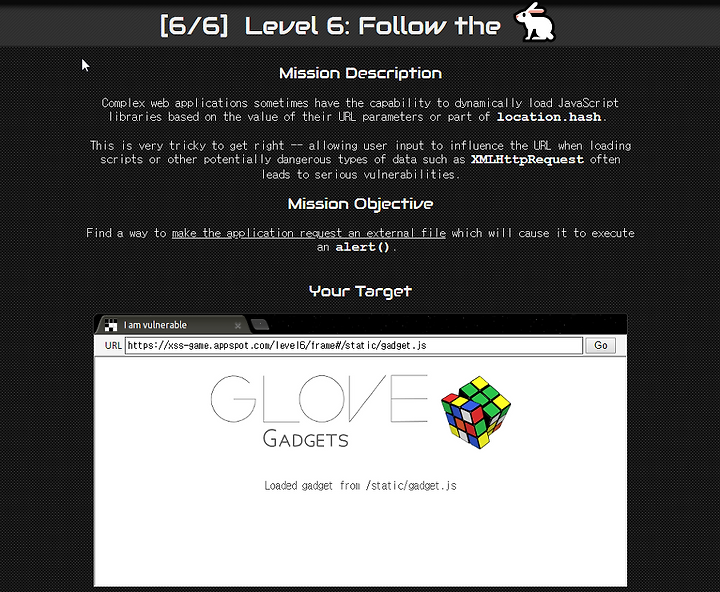
미션 설명 : 복잡한 웹 응용 프로그램에는 URL 매개변수의 값 또는 일부의 값에 따라 Javascript 라이브러리를 동적으로 로드할 수 있는 location.hash 기능있습니다.
스크립트를 비롯한 잠재적으로 위험한 유형의 XMLHttpRequest 데이터를 로드할 때마다 심각한 취약점을 초래할 수 있수 있기에 사용자 입력이 url에 영향을 미치도록 허용하는 것은 매우 까다로운 작업입니다.
미션 목표 : 응용 프로그램이 외부 파일을 요청하도록 하여 alert()를 실행하도록 하시오.
#분석
우선 미션 설명에서 얻을 수 있는 정보는 url를 이용해야 되고 그 중 js라이브러리를 동적으로 로드할 수 있는 함수 중 location.hash를 사용해야 된다는거!
그럼 소스에서 location.hash를 찾아보자.
<!doctype html><html> <head> <!-- Internal game scripts/styles, mostly boring stuff --> <script src="/static/game-frame.js"></script> <link rel="stylesheet" href="/static/game-frame-styles.css" /> <script> function setInnerText(element, value) { if (element.innerText) { element.innerText = value; } else { element.textContent = value; } } function includeGadget(url) { var scriptEl = document.createElement('script'); // This will totally prevent us from loading evil URLs! if (url.match(/^https?:\/\//)) { setInnerText(document.getElementById("log"), "Sorry, cannot load a URL containing \"http\"."); return; } // Load this awesome gadget scriptEl.src = url; // Show log messages scriptEl.onload = function() { setInnerText(document.getElementById("log"), "Loaded gadget from " + url); } scriptEl.onerror = function() { setInnerText(document.getElementById("log"), "Couldn't load gadget from " + url); } document.head.appendChild(scriptEl); } // Take the value after # and use it as the gadget filename. function getGadgetName() { return window.location.hash.substr(1) || "/static/gadget.js"; } includeGadget(getGadgetName()); // Extra code so that we can communicate with the parent page window.addEventListener("message", function(event){ if (event.source == parent) { includeGadget(getGadgetName()); } }, false); </script> </head> <body id="level6"> <img src="/static/logos/level6.png"> <img id="cube" src="/static/level6_cube.png"> <div id="log">Loading gadget...</div> </body></html>index.html 전체 소스
// Take the value after # and use it as the gadget filename. function getGadgetName() { return window.location.hash.substr(1) || "/static/gadget.js"; }위에는 location.hash가 포함된 부분이다. 주석에는 #을 사용한 후에 gadget 파일을 사용한다고 한다.
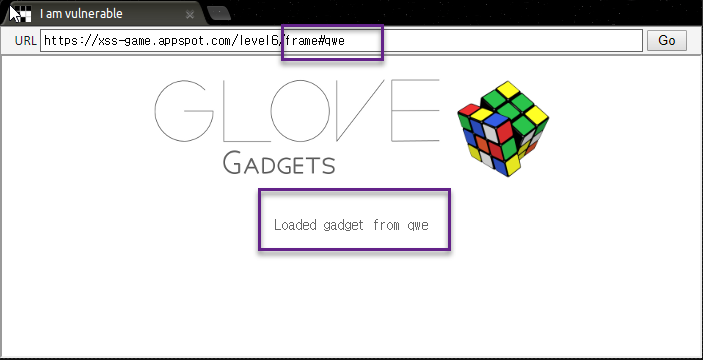
#뒤의 내용을 출력해주고 있다.
#? hint를 보면 #에 대한 언급이 있다.
hint
1. 위치 #의 값이 로드된 스크립트의 url에 어떻게 영향을 미치는지 확인하세요.
2. Gadgets의 url 보안검사가 정말로 안전한가요?
3. 때때로 좌절감을 느낄때 비명을 지르고 싶다(??????이거 진짜임?)
4. 악의적인 JS파일을 쉽게 호스팅할 수 없다면, google.com/jsapi?callback=foo가 여기에 도움이 되는지 확인을 하세요. -> 스크립트 파일을 서버에 올려서 사용하라는 말이란다...음..
foo는 heap에서 공부할 때도 많이 나왔는데 그냥 빈칸 채우기 용인가???
검색해보니까 재밌는게 있어서 첨부함. http://aroundck.tistory.com/956
빈칸 채우기용 foo! 왜인지 heap 공부할 때 이해안되서 쳐보니까 아무것도 안 나오더라~~~
url을 보면 https://xss-game.appspot.com/level6/frame#/static/gadget.js 이렇게 구성이 되어있다. # 뒤에 있는 내용이 화면에 출력된다.
#익스
서버 사용하기 귀찮아서 data url scheme으로 풀게 되었다.
데이터를 url로 변경해서 data:[자료타입],[데이터] 이렇게 넣으면 된다.
https://xss-game.appspot.com/level6/frame#data:text/javascript,alert('yeali');
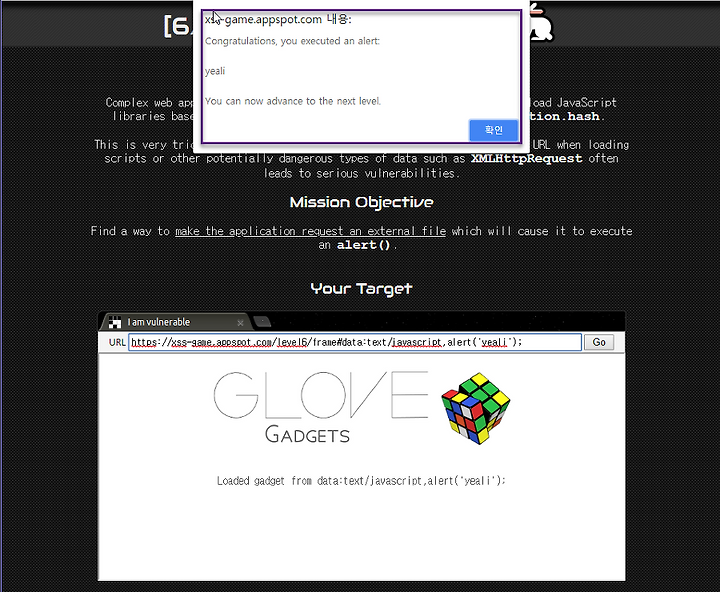
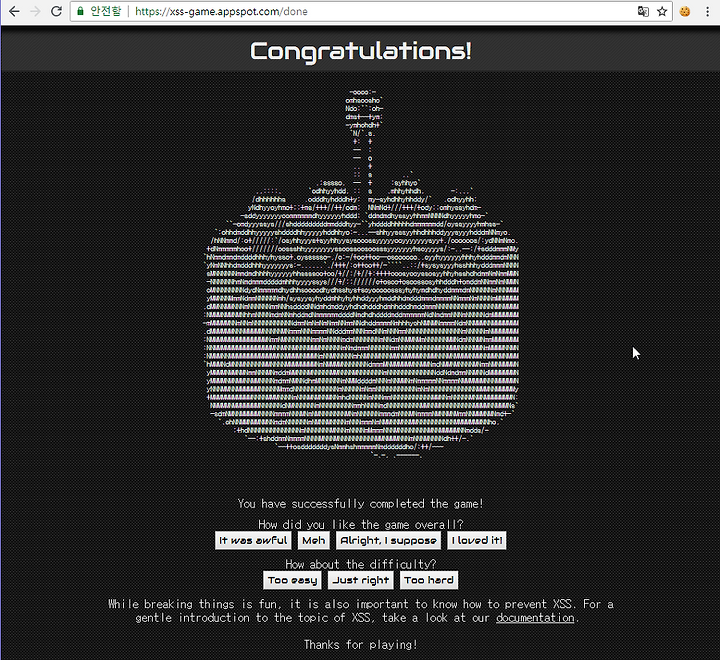
이렇게 넣으면 성공.
pps. http://jeonyoungsin.tistory.com/480
이런식으로 푸는 방법도 있다.